How to Download X (Twitter) Videos in 2026 — Free & Fast
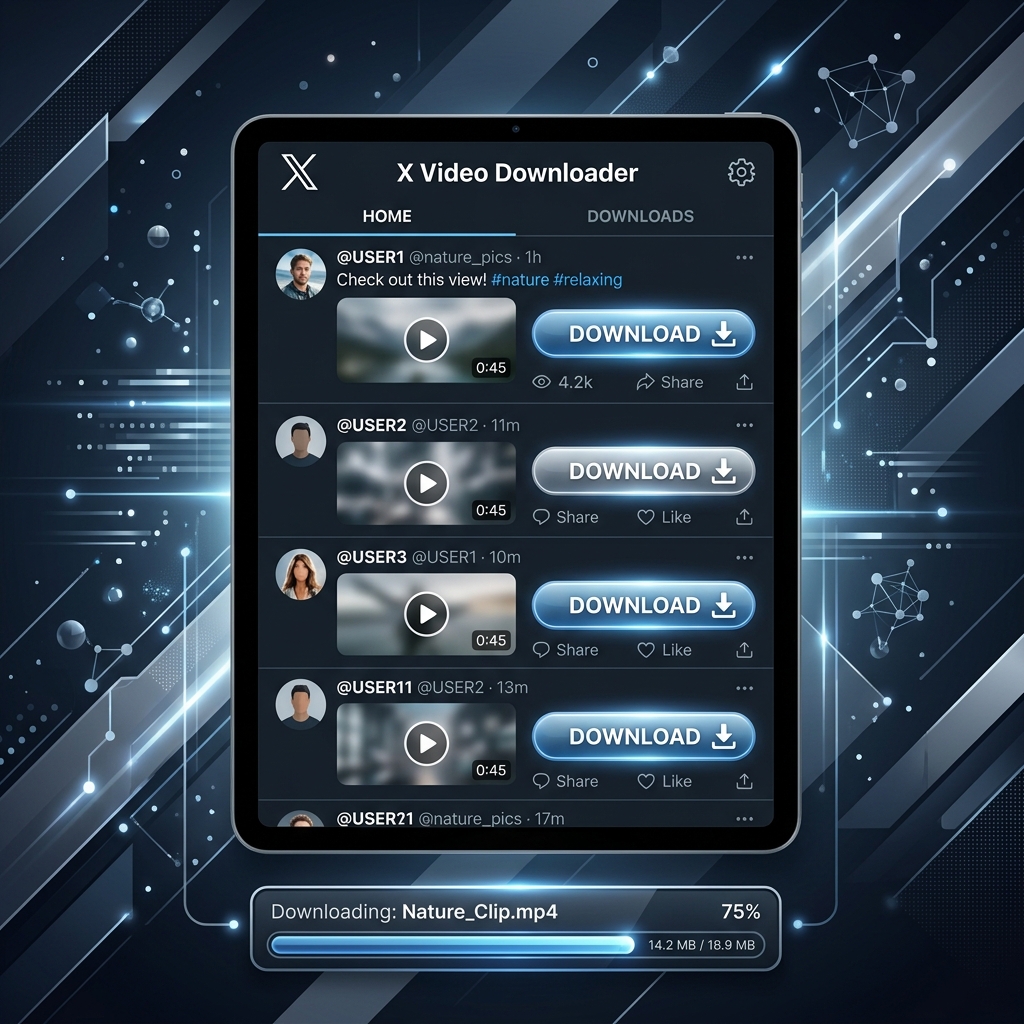
X, formerly known as Twitter, is a dynamic hub for real-time news, political commentary, viral memes, and professional media. However, users often run into a common roadblock: there is no option to save video files directly from the feed. To do so, you need a high-quality twitter video downloader. Using a secure tool is essential for downloading clips smoothly and without any spam or unwanted tracking scripts.
By using an x video downloader like Social2Save, you can easily save any shared media. In this tutorial, we will show you how to download twitter videos and save GIFs directly to your mobile phone or desktop computer in 2026.
Why Do Users Save Videos from X (Twitter)?
X is known for its fast-paced feed. Because thousands of posts are published every minute, trying to relocate a video you saw earlier can be a massive challenge. Saving the file directly to your local library is the only reliable way to ensure you do not lose track of important media.
Other popular reasons to save videos from x include:
- Breaking News: Archiving direct reporting and citizen journalism clips.
- Tech & Coding Tutorials: Keeping short screencasts and demonstrations for local developer study.
- Viral Memes: Saving comedic reactions and GIFs to share in group chats.
- Content Curation: Compiling clips to build reference decks or design mood boards.
Step-by-Step Guide: How to Download X Videos with Social2Save
Social2Save has been engineered to process X (Twitter) video links in under five seconds, extracting the direct source paths automatically. Here is how you can use it:
- Open the X (Twitter) app or web browser, and find the post containing the video or GIF you want to save.
- Click the share icon (located at the bottom right of the post) and select "Copy Link". Alternatively, copy the URL directly from the browser address bar.
- Open a new tab and go to the X Video Downloader on Social2Save.
- Paste the copied post link into our input field and click "Download".
- Choose the resolution options provided (e.g., 720p, 1080p) and click the download button to start saving the MP4.
Downloading X Videos on Mobile vs. Desktop
The saving process varies slightly depending on whether you are using a mobile device or a laptop:
Mobile Experience (iPhone & Android)
On Android, the download is straightforward: the browser Chrome will store the file in your downloads folder. On iPhones running iOS, copying the link from the official X app, pasting it into Safari, and executing the download will trigger iOS's secure download manager. You can find your saved file in Safari's downloads folder or the native Files app.
Desktop Experience (PC & Mac)
For PC and Mac users, the process is highly efficient. Desktop browsers download files directly with high speeds. This is very useful if you are compiling a larger set of resources, perhaps incorporating content from other video hubs. If you are doing larger compilations, you can also leverage our general YouTube Downloader to fetch landscape background clips easily.
Supported Video Formats and Quality Options
When you download media from X via Social2Save, the platform parses the source payload to present all available media formats. Twitter automatically compresses uploads to save bandwidth, but we fetch the highest-bitrate option available. If the publisher uploaded an HD video, you will be able to download it in HD (typically 1280x720 or 1920x1080). Furthermore, Twitter GIFs (which are technically looped silent MP4 files) are downloaded as standard, lightweight MP4 files that are easy to play anywhere.
Frequently Asked Questions
1. Can I download videos from private X accounts?
No. To respect user privacy boundaries, our system cannot crawl posts from locked or private X accounts, even if you follow them. The target post must be public.
2. Is there a charge to download Twitter videos?
No. Social2Save is 100% free and does not contain hidden paywalls or subscription charges.
3. Do I need to enter my X account password?
Absolutely not. We never ask for personal accounts or credentials, ensuring your data is kept completely safe.
4. Why does the video download as a GIF instead of MP4?
All Twitter GIFs are converted to standard MP4 files on download because web browsers and phone operating systems have native support for playing MP4 videos loop-style.
5. What should I do if the download gets stuck at 99%?
This is usually due to a temporary network blip. Reload the page, copy the post link again, and hit the download button to restart the process.